
25 likes
Carouslide A quick guide to choosing the right Nothing Phone for you.
Instagram format explained
An Instagram carousel is one feed post with multiple photos, graphics, or videos that people move through in order. The format can collect related media or turn one idea into a deliberate, swipeable sequence.
Definition
That is the simplest carousel meaning on Instagram. The individual items stay grouped as one post, and their order can be used intentionally—from a cover and explanation to an example and conclusion.
People move through the items themselves, which suits information they may want to pause on or revisit.
A sequence can reveal steps, build an argument, compare alternatives, or move through a beginning, middle, and end.
One caption and one post frame the collection, while each image or designed slide contributes a different part.
Common uses
Use the format when grouping or progression makes the idea easier to understand. If the next item adds no new value, one image may be the clearer choice.
Break one process into readable stages, with a clear result or takeaway on the final slide.
Give each option, feature, or decision criterion enough room while keeping everything in one post.
Group related moments or use the order to add context that a single frame cannot carry.
Original example
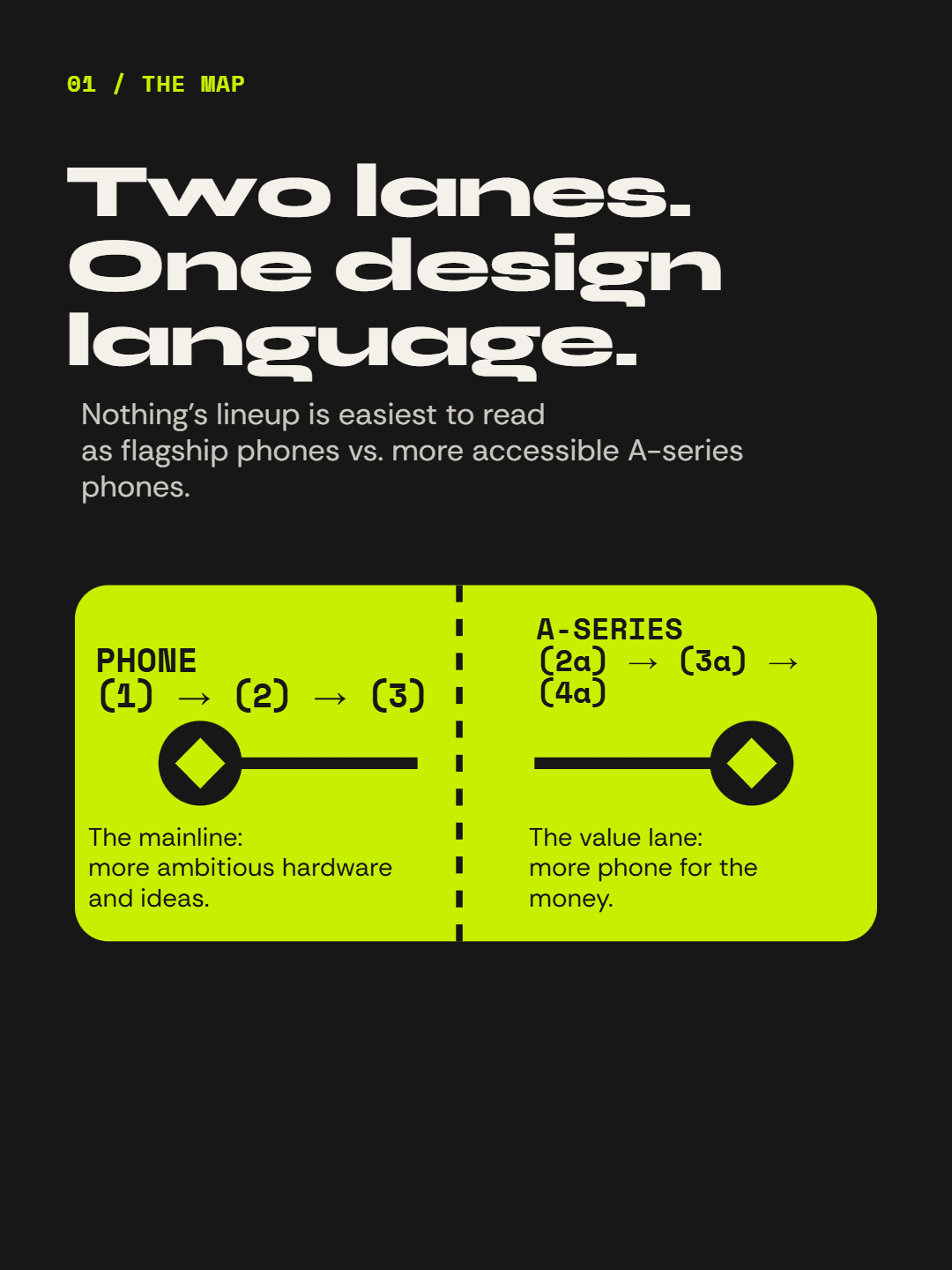
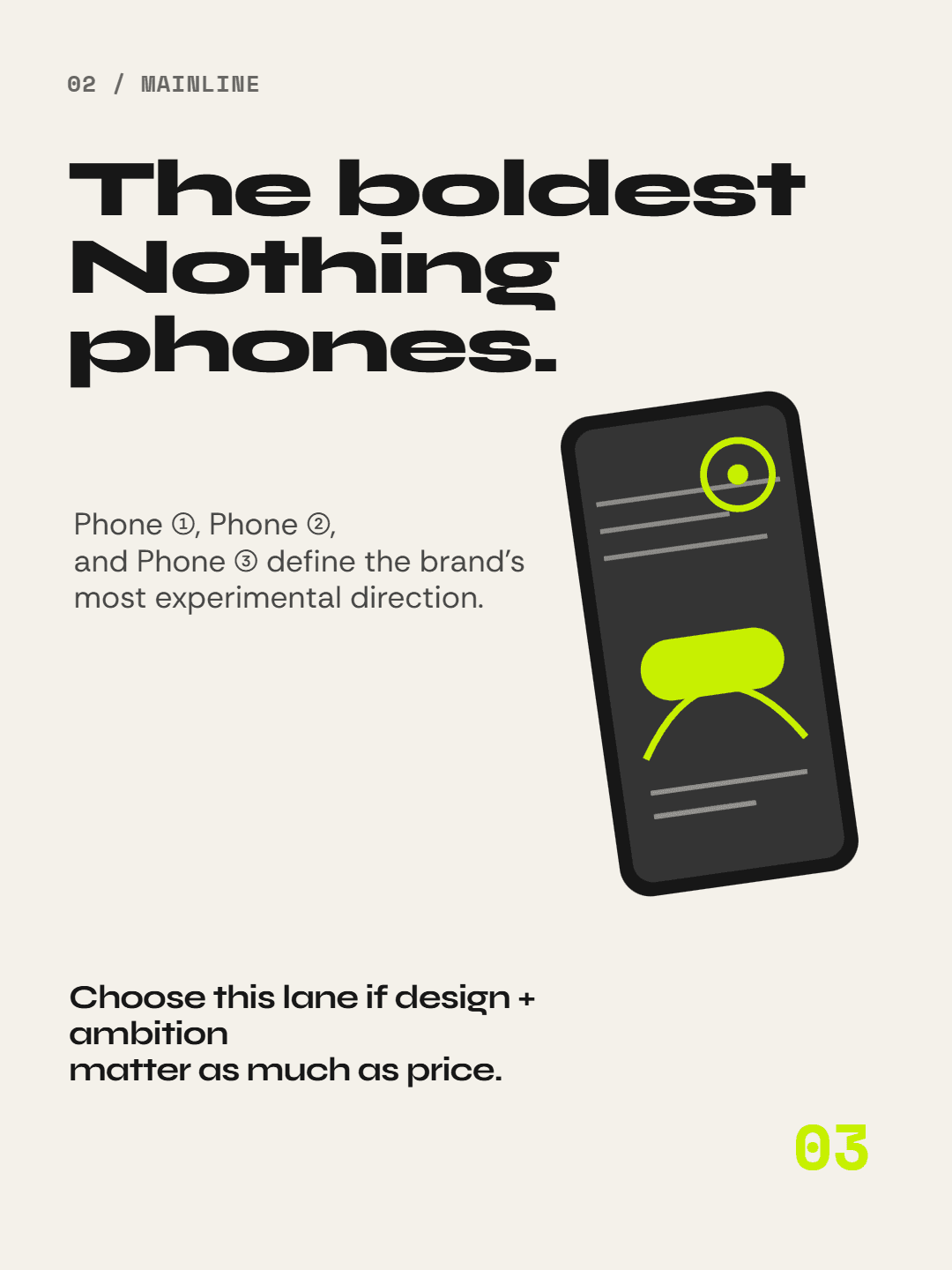
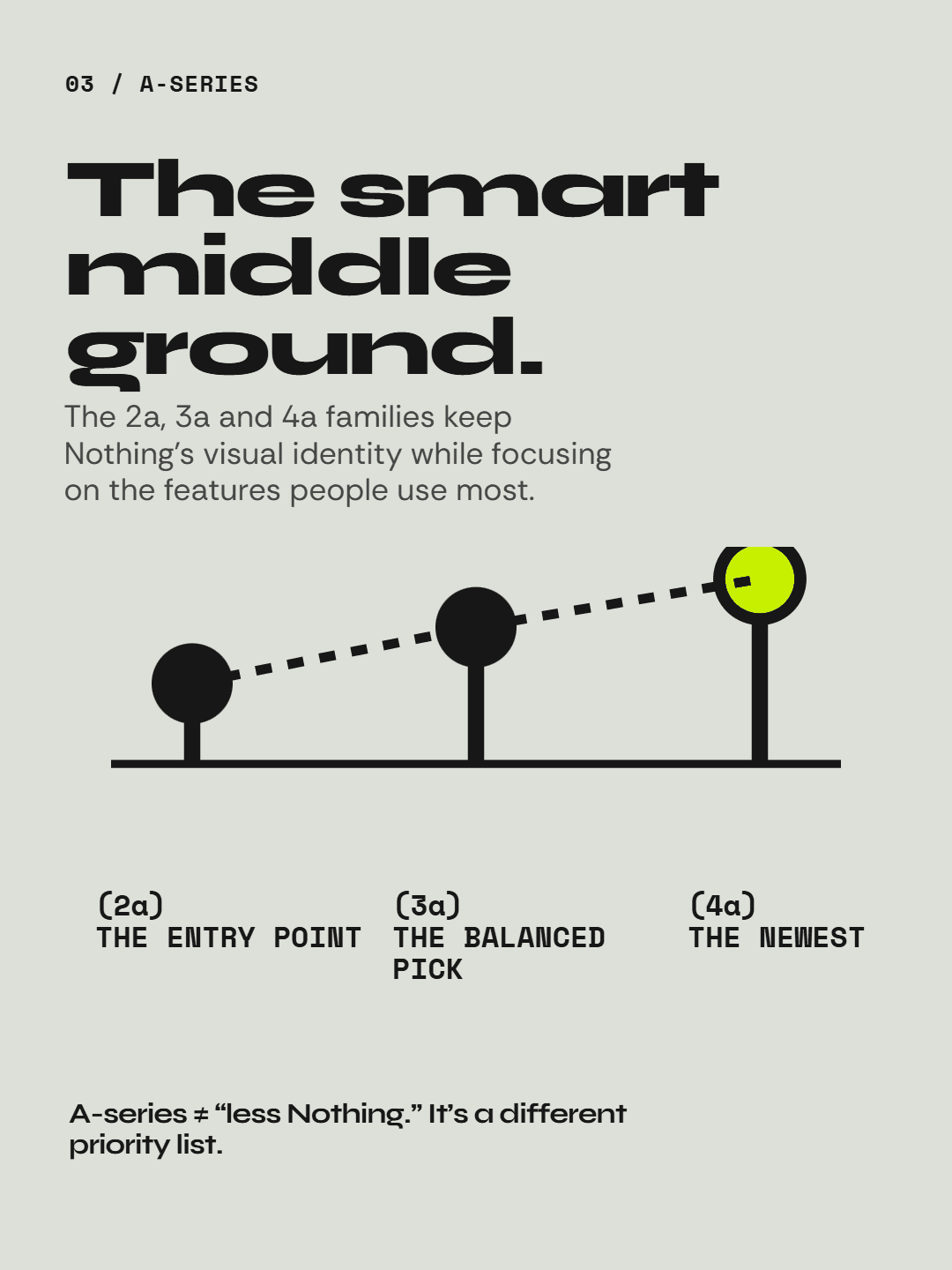
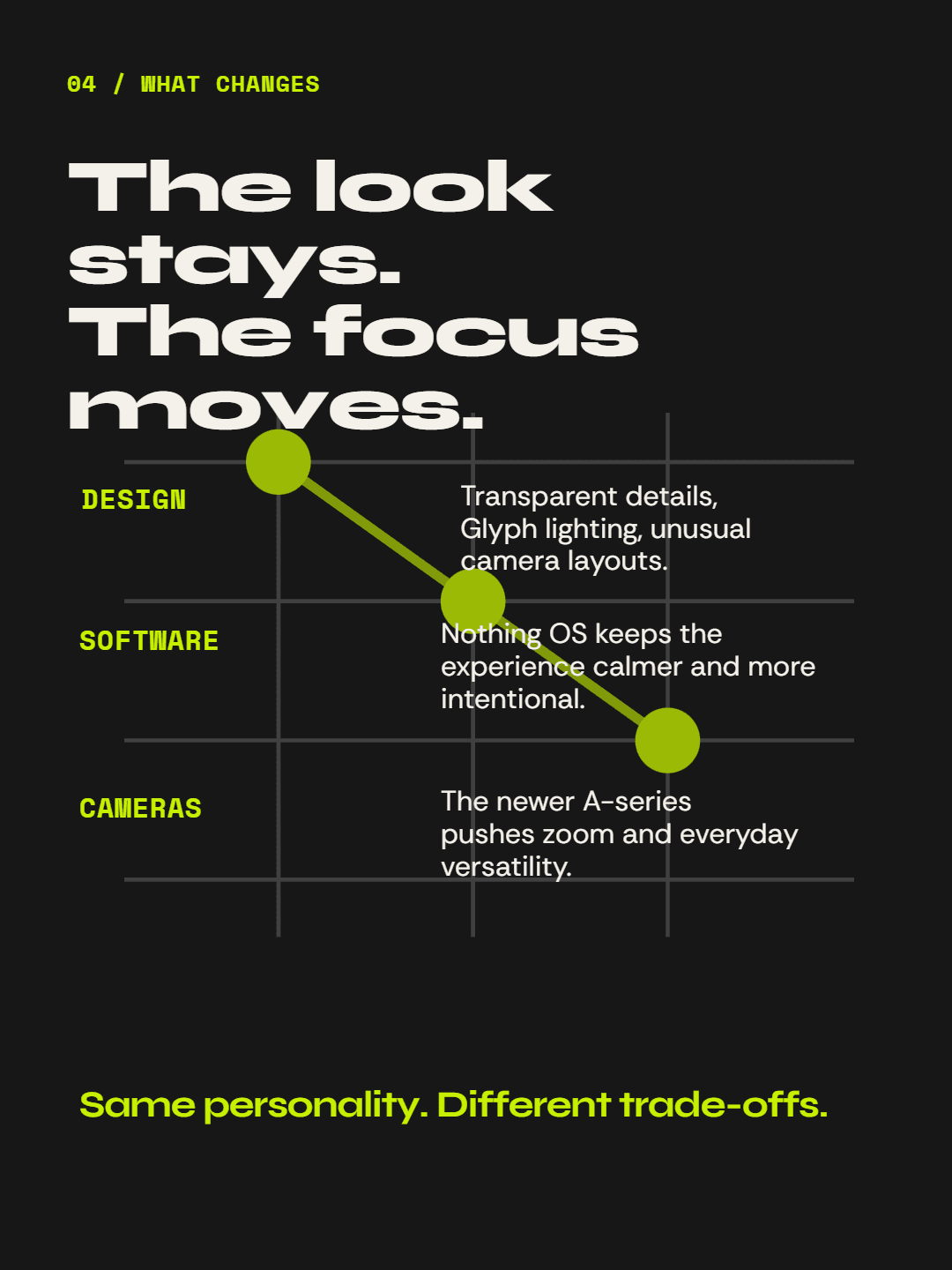
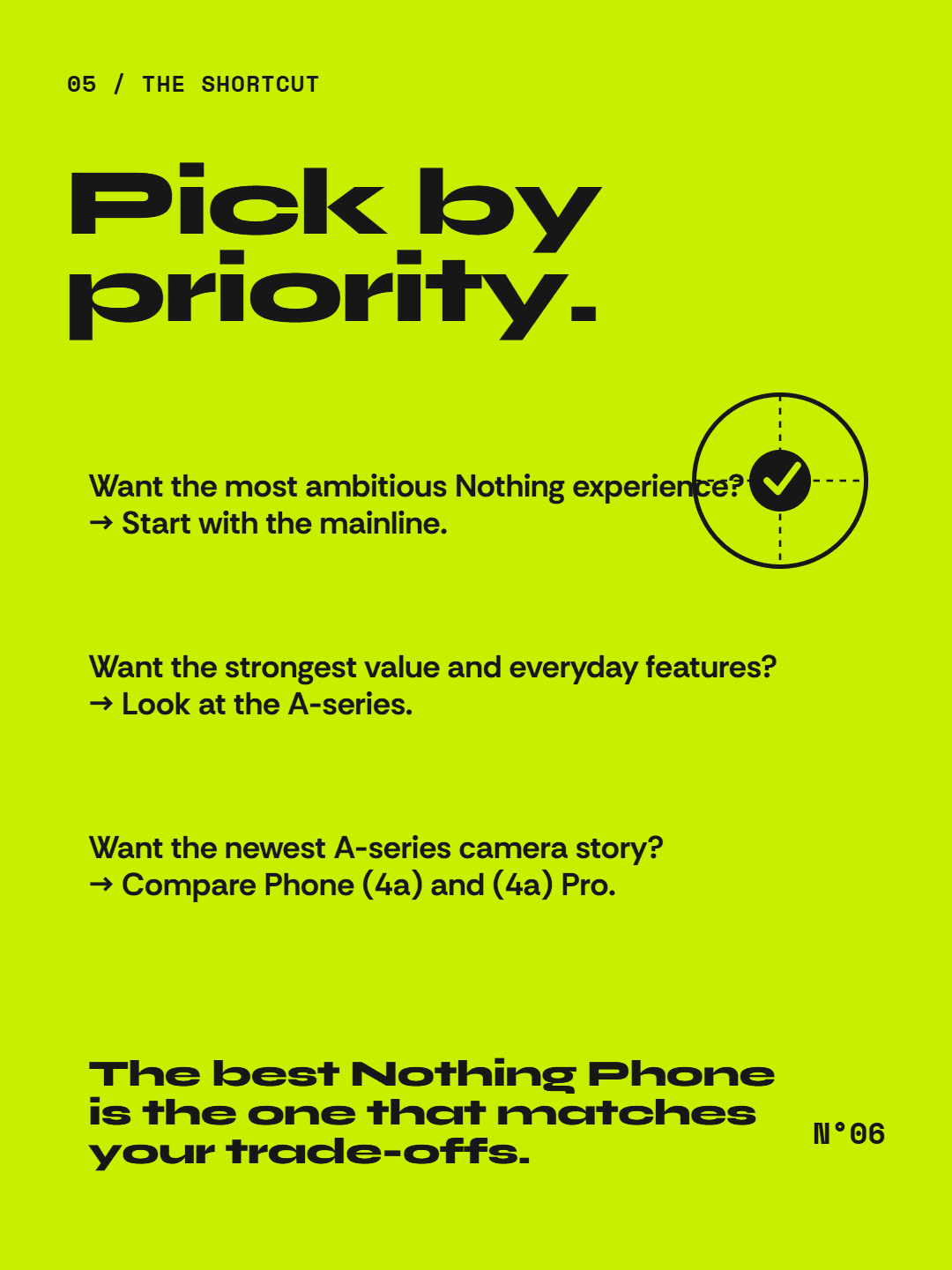
This six-slide product guide is an original Carouslide example. Its question-led cover creates the context, and the remaining pages can develop the comparison in order.
A product story, turned into a ready-to-post carousel.
From definition to execution
Decide what the reader should understand after the final slide.
Give each frame one job and make the transitions logical.
Keep dimensions, spacing, typography, and visual cues consistent.
Check readability and ordering in the actual files before uploading.
Focused next steps
FAQ
Paste your source material, choose 4–6 slides, refine the generated design, and download numbered PNG files for your Instagram workflow.
Create an Instagram carousel