
25 likes
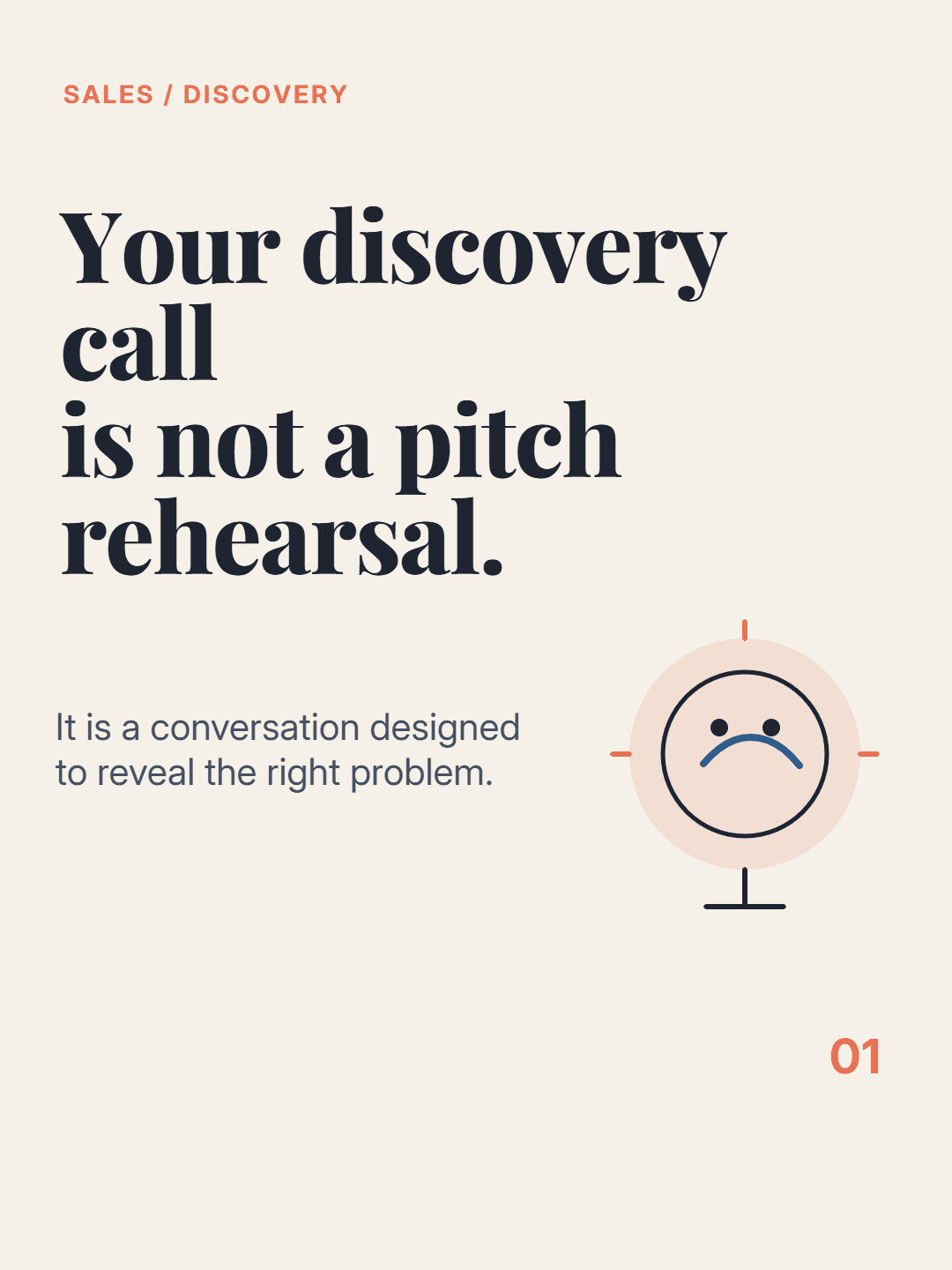
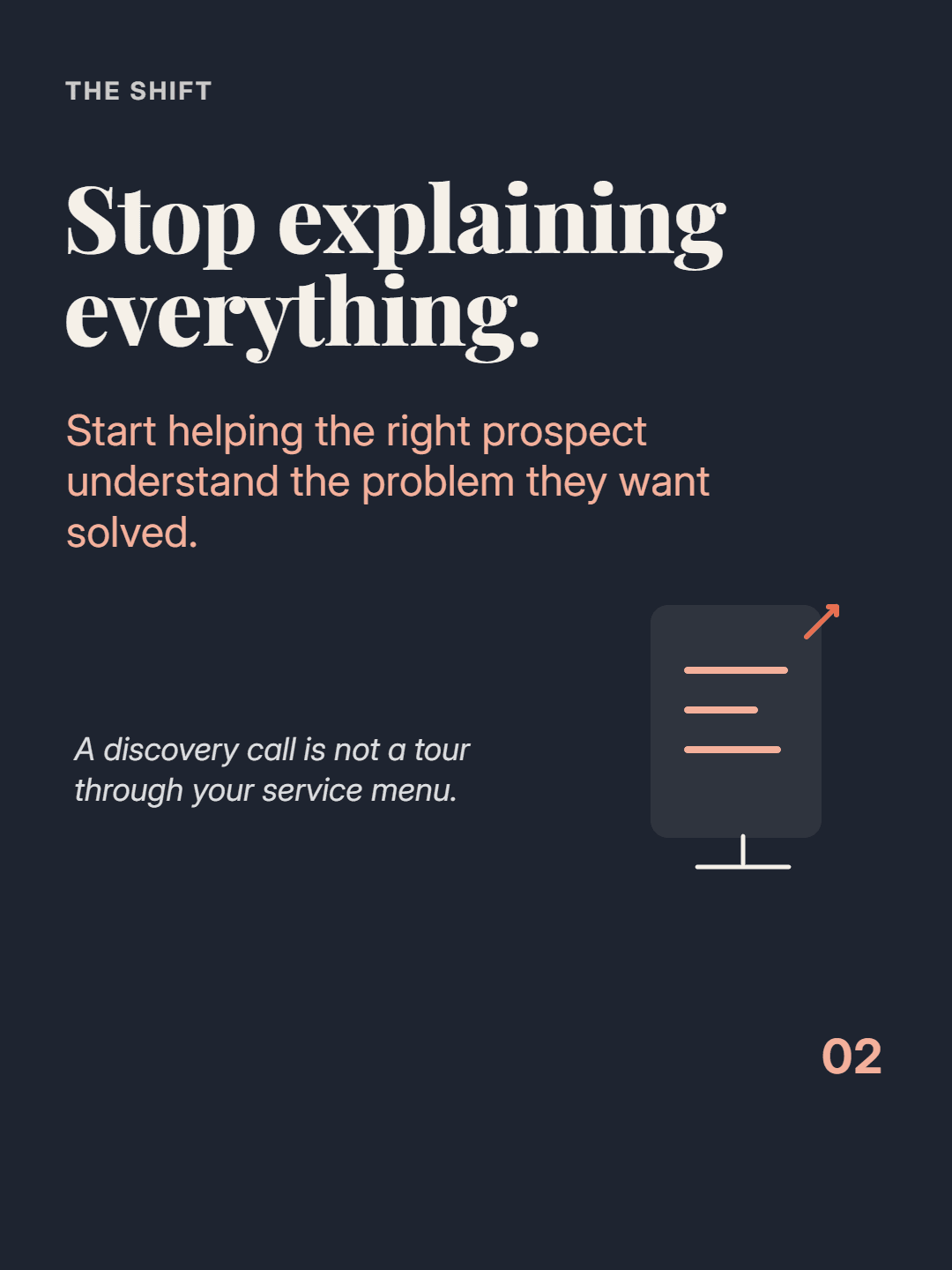
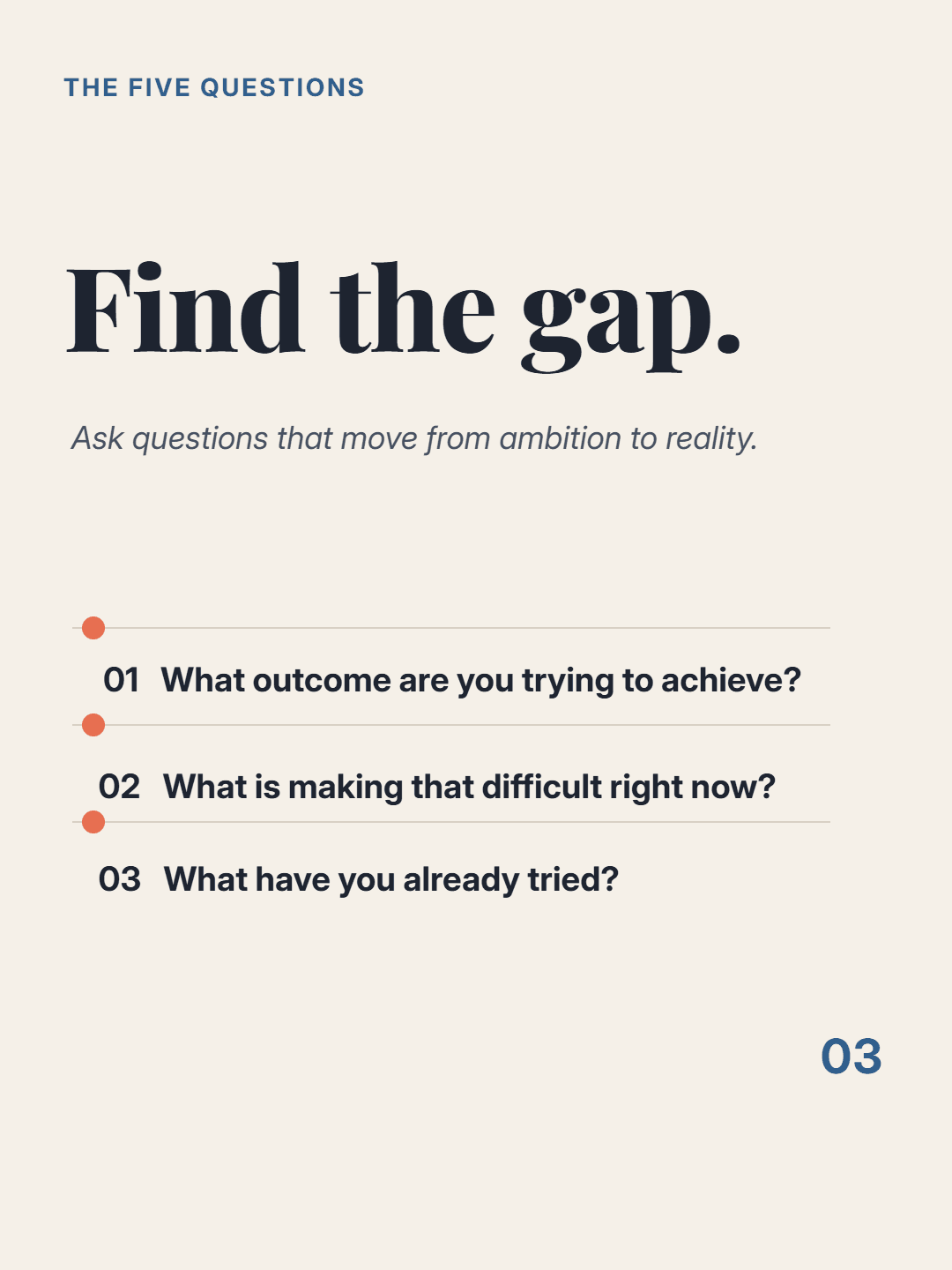
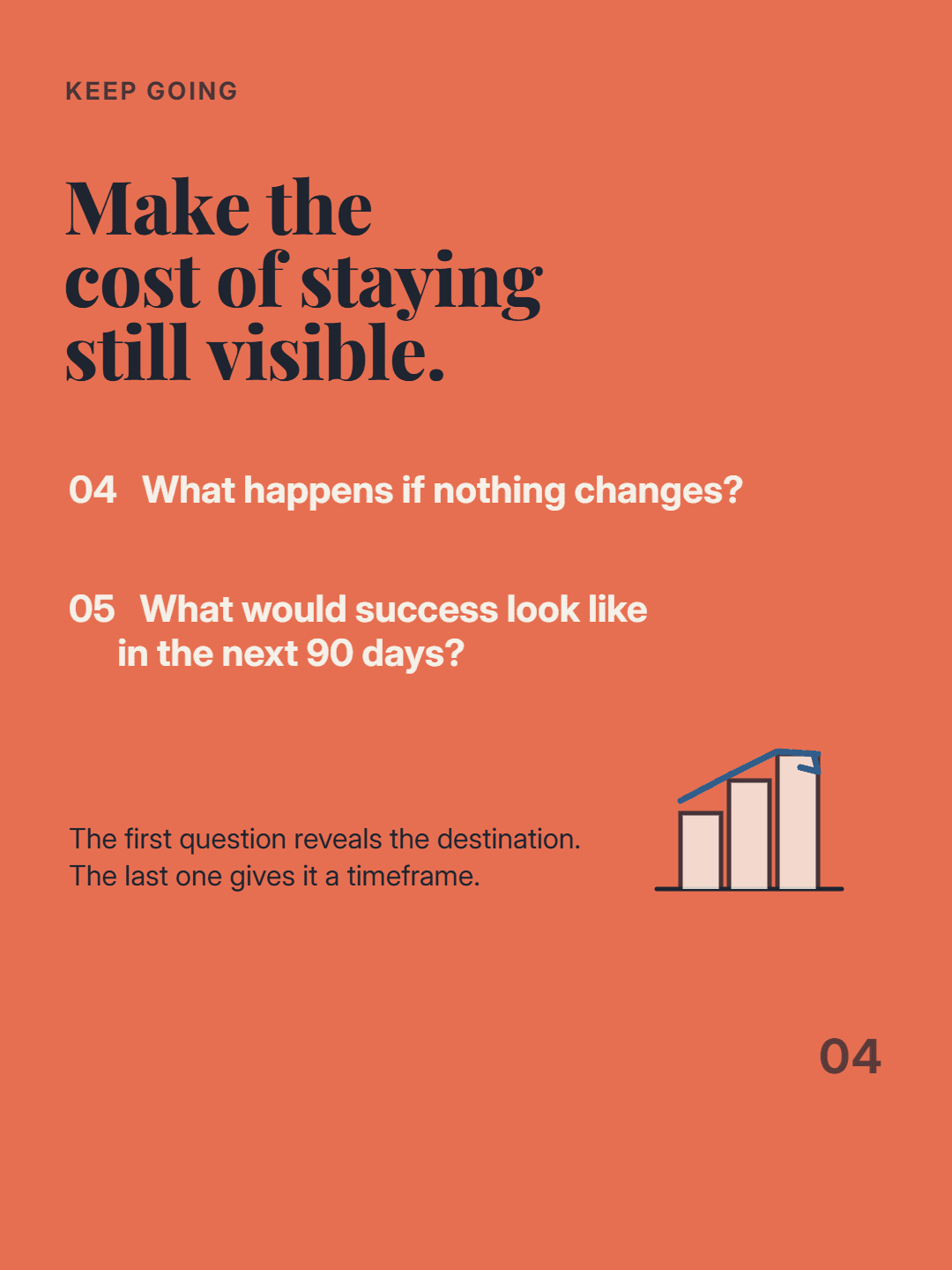
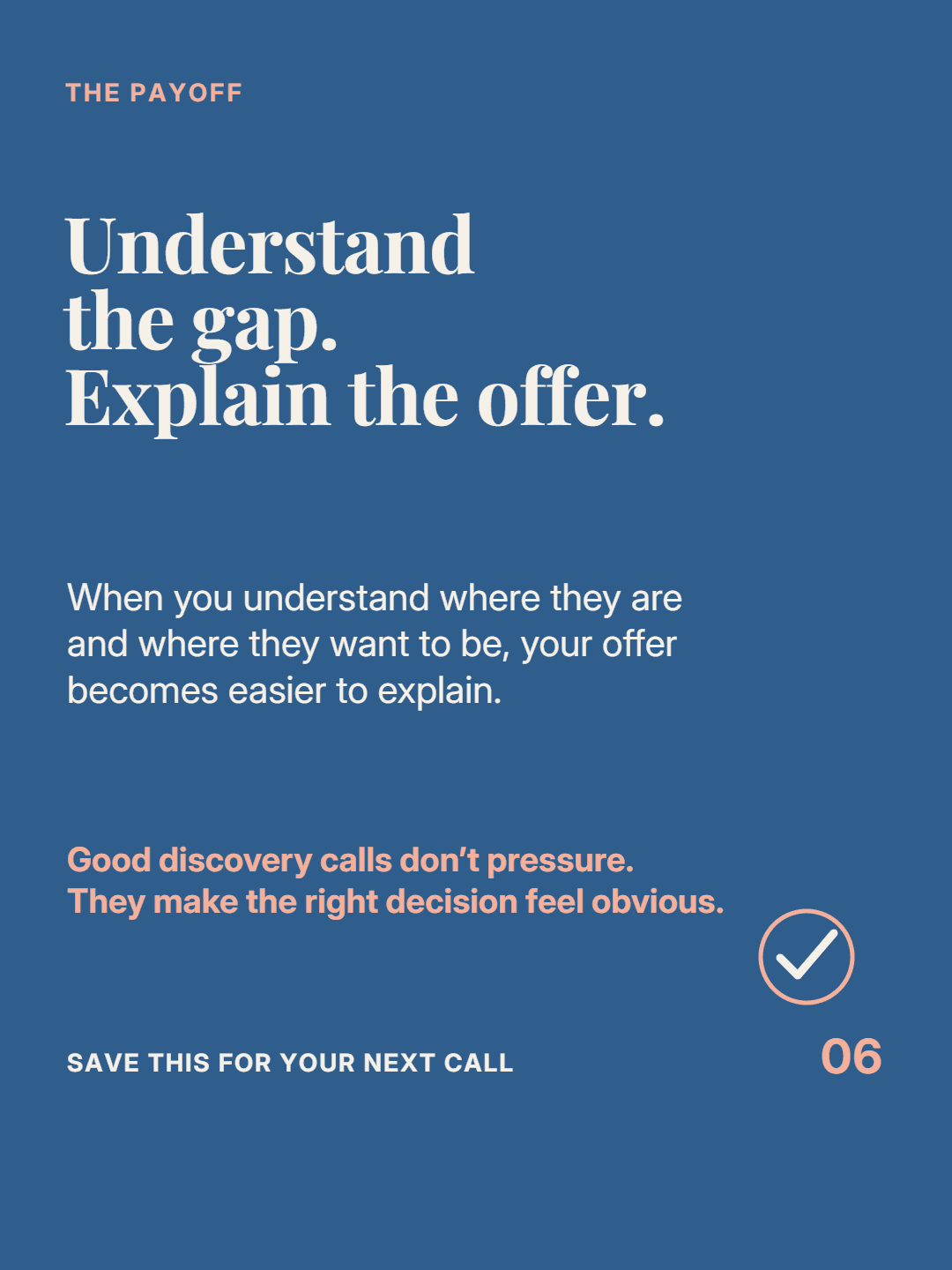
Carouslide Better discovery questions make better decisions. Save these for your next call.
Original professional carousel gallery
Explore complete LinkedIn carousel post examples built around professional ideas: a sales principle, a product onboarding lesson, and a content marketing workflow. Every deck is an original Carouslide output already available in this repository.
Three complete documents
Move through every six-page sequence with the arrow controls. The notes beside each deck explain the transferable structure rather than presenting the work as a template.
Consultant and sales expertise
For consultants and coaches who turn their expertise into content.

Founder and product education
For SaaS founders teaching customers how to reach first value.


Marketing and list-style workflow
For B2B marketers repurposing one useful idea across formats.


Professional reading experience
The format is most useful when moving page by page improves the explanation. These principles matter more than decorative complexity.
Choose a lesson your intended reader can understand, question, or apply. Broad topics produce broad, forgettable documents.
Use context, contrast, examples, or steps to advance the idea. Do not repeat the cover in six visual variations.
Clear page titles, consistent navigation cues, and a resolved ending make the PDF useful after it leaves the feed.
Build and publish
FAQ
Generate a focused 4–6-slide draft, refine the writing and design, then export one multi-page PDF for LinkedIn.
Create a LinkedIn carousel